
Gemini AI Photo Prompts (Copy & Paste)
Every prompt on this page has a version written specifically for Google Gemini. Gemini's image model (often called Nano Banana) follows short, concrete instructions best and drifts on faces when a prompt is vague, so each Gemini version leads with an explicit face-lock line and states the aspect ratio up front.
Open gemini.google.com, upload a clear front-facing photo, paste the prompt and send. If the face changes, reply "keep my face exactly as in the original photo" and regenerate. That single follow-up fixes most results.






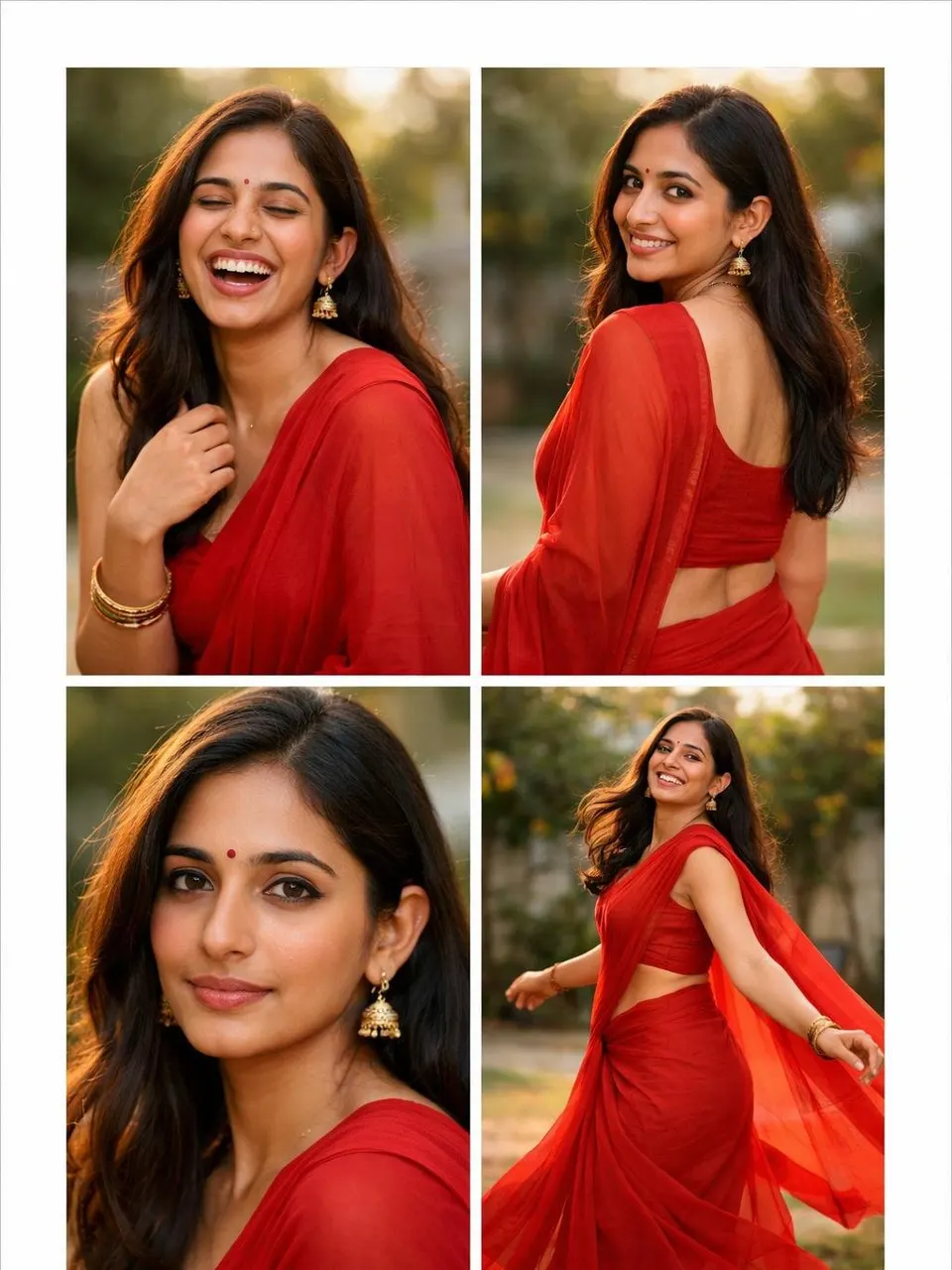
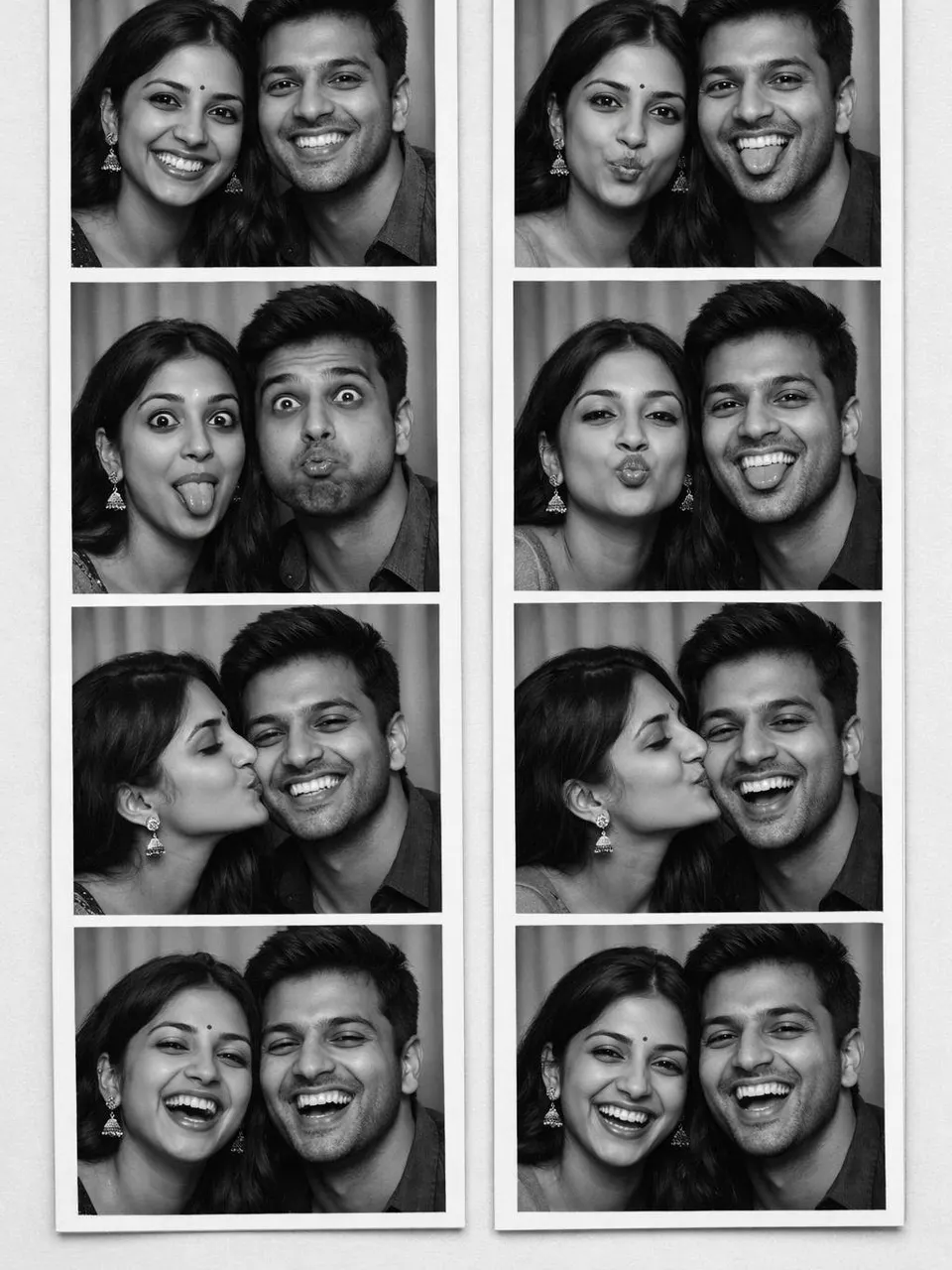













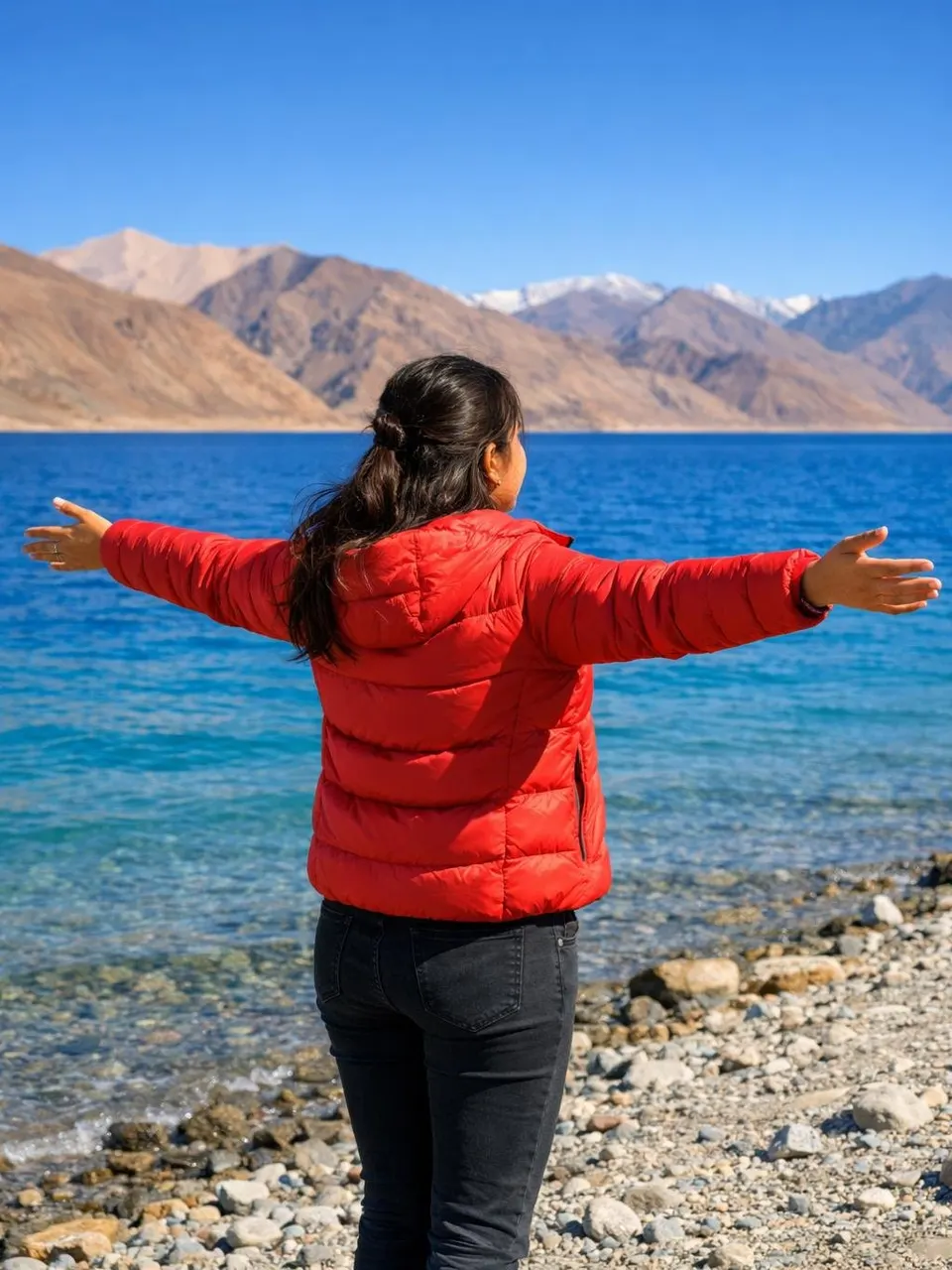



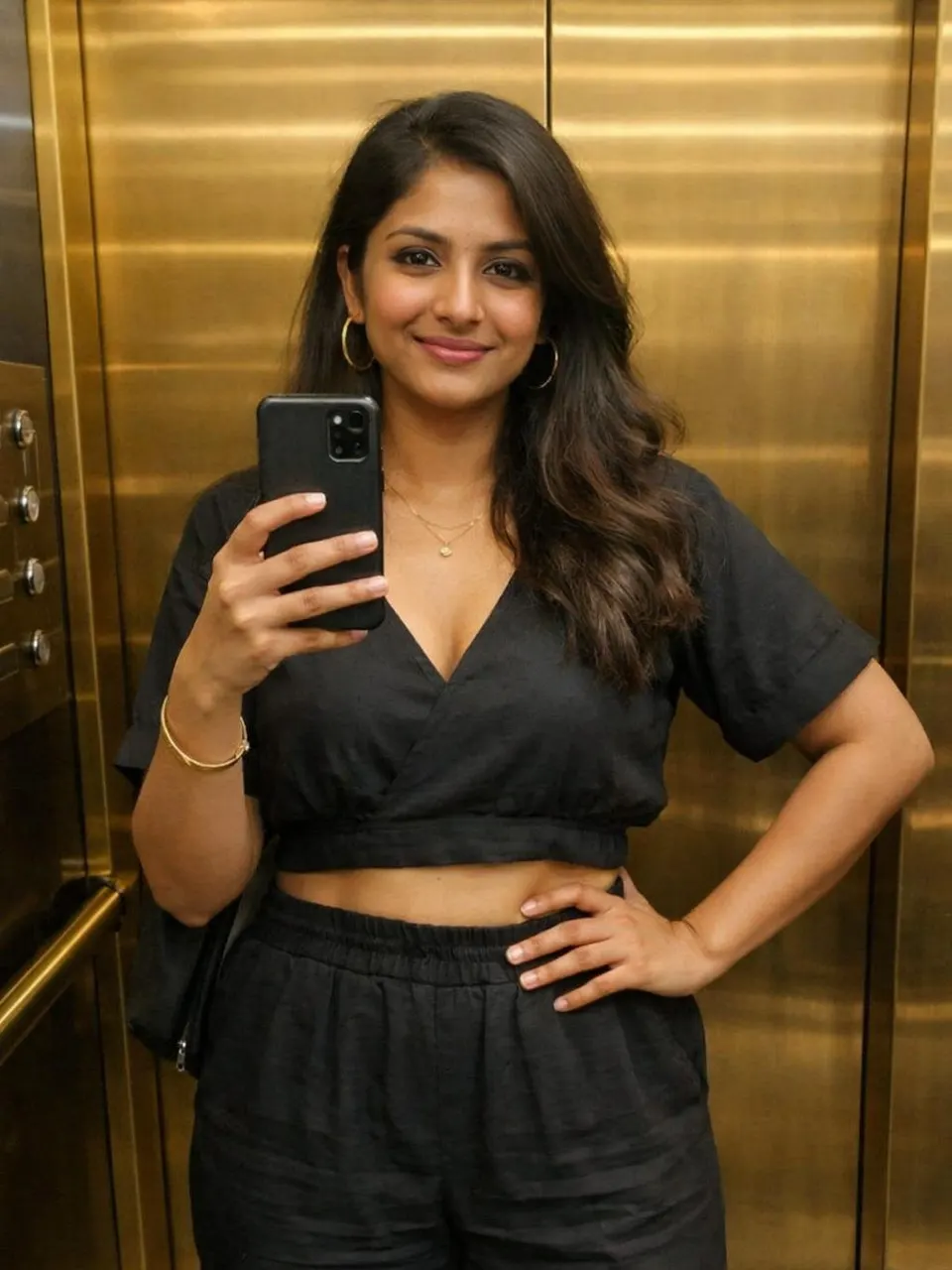



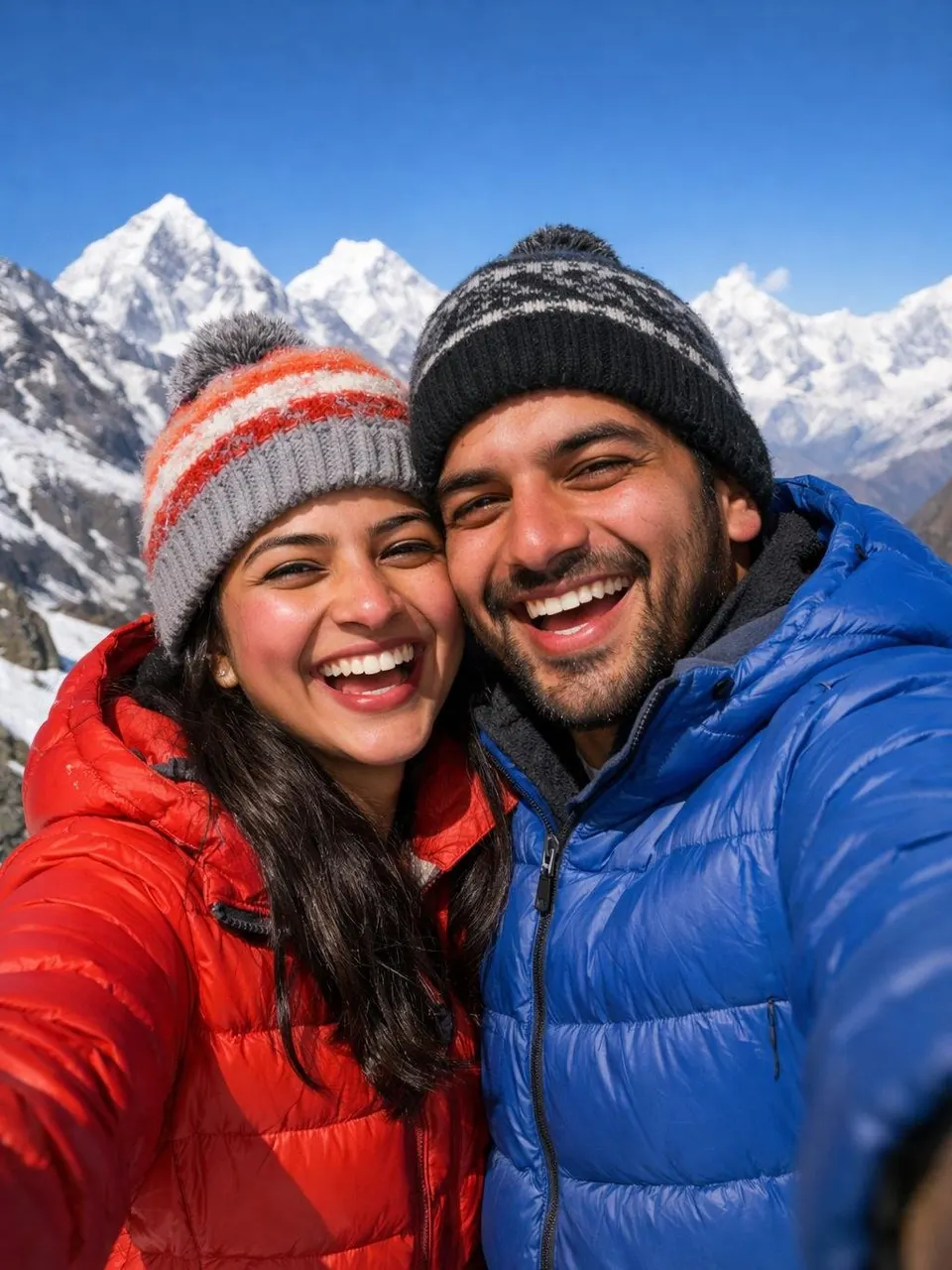



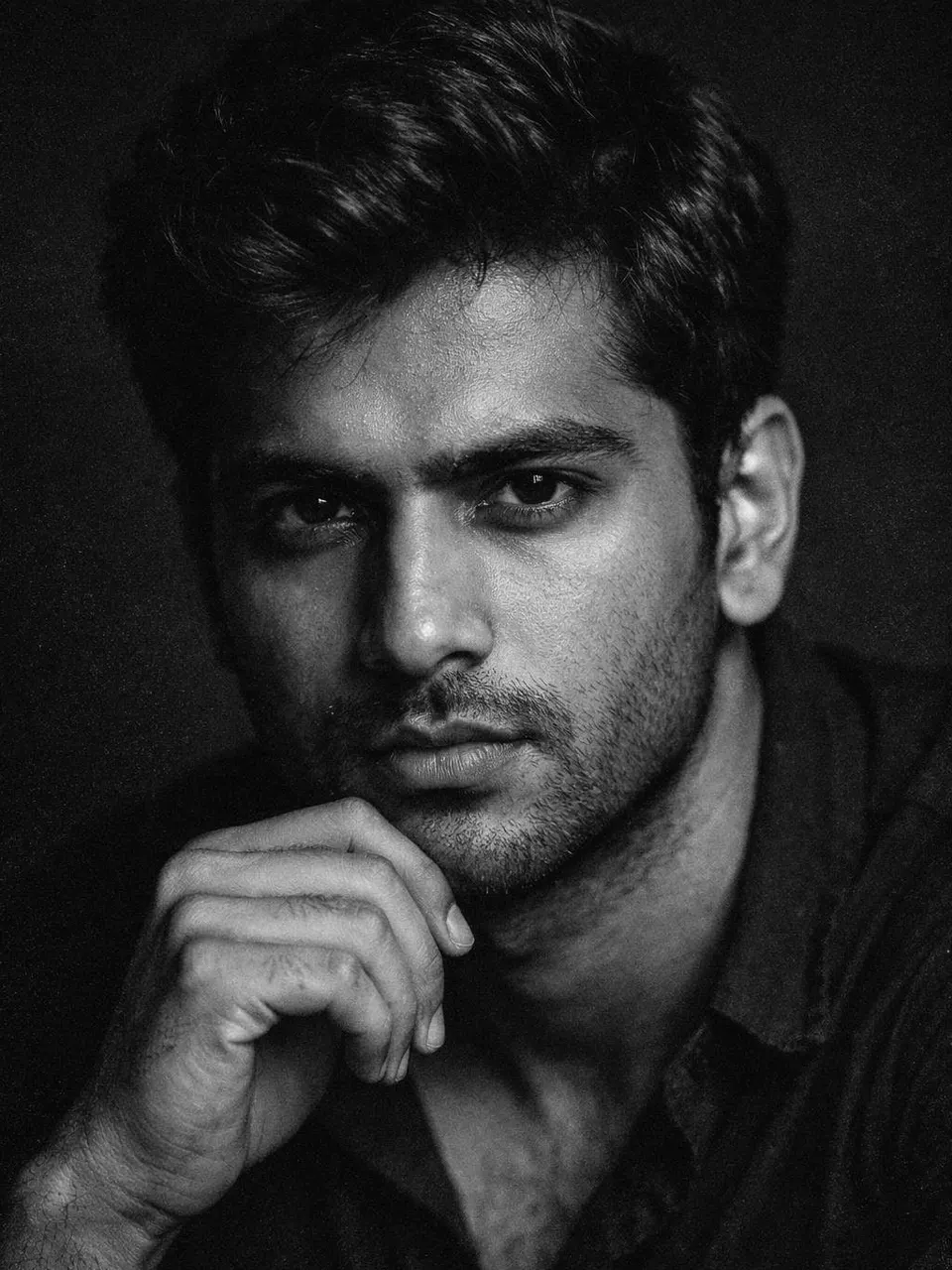









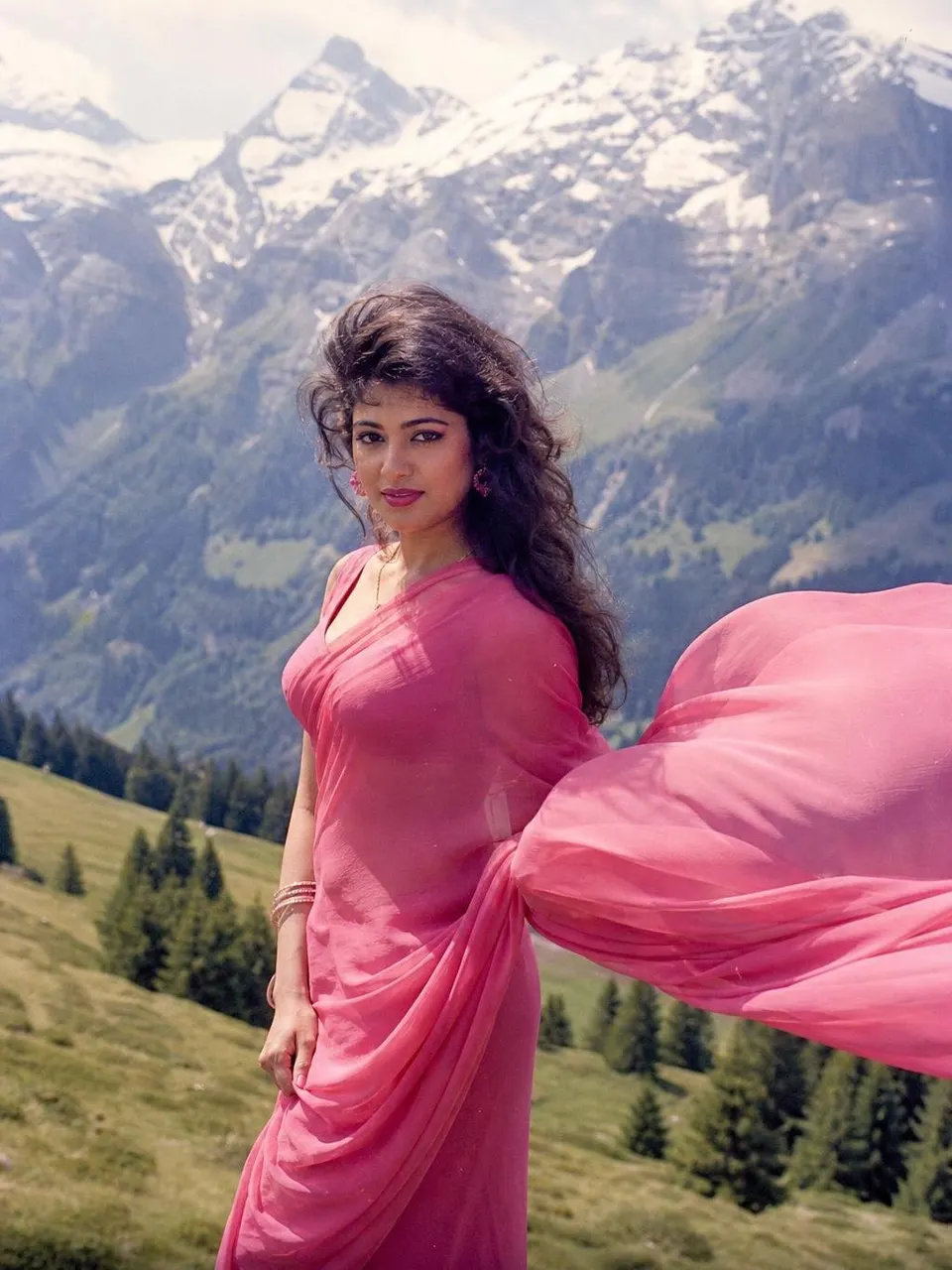




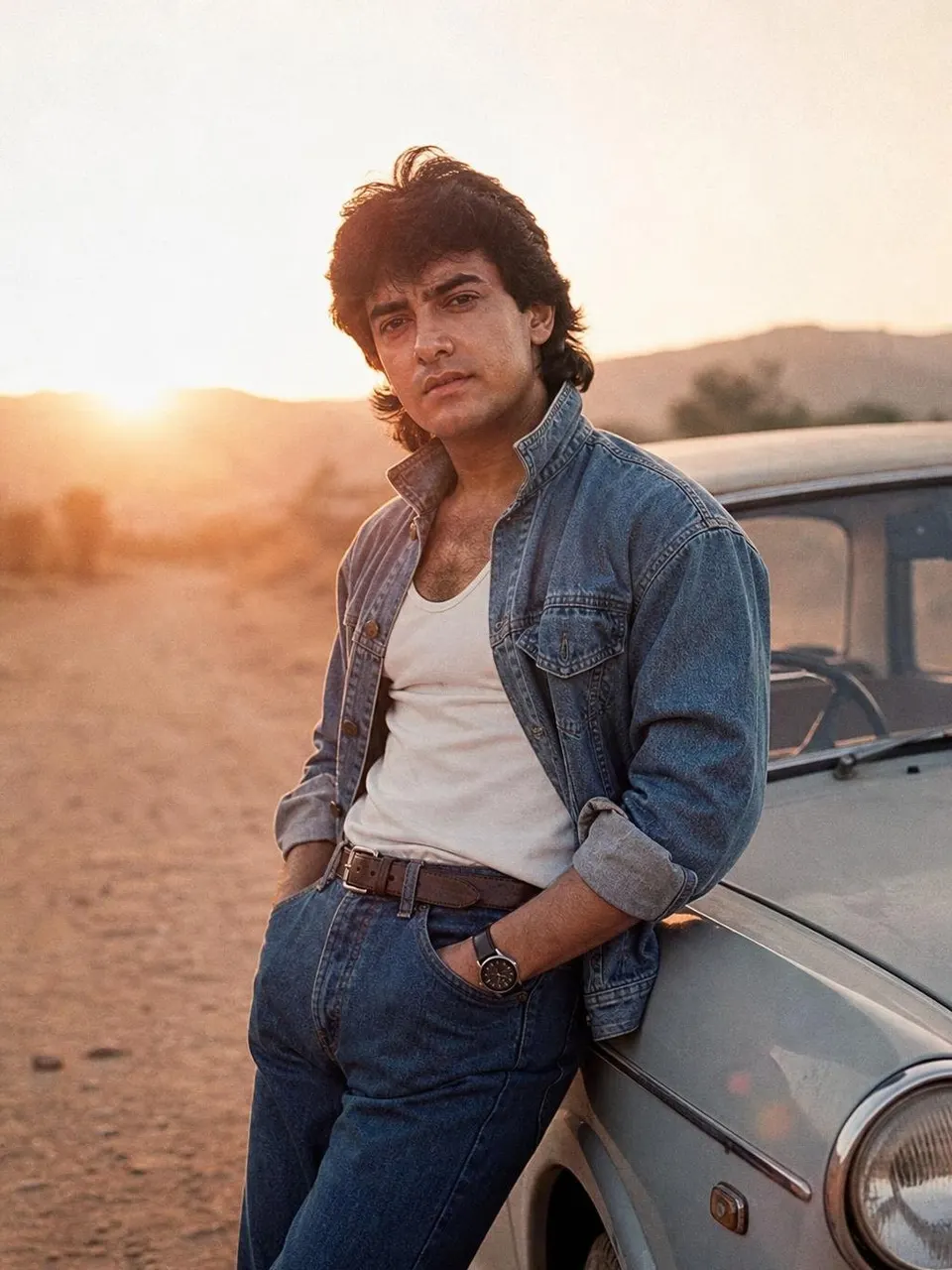

















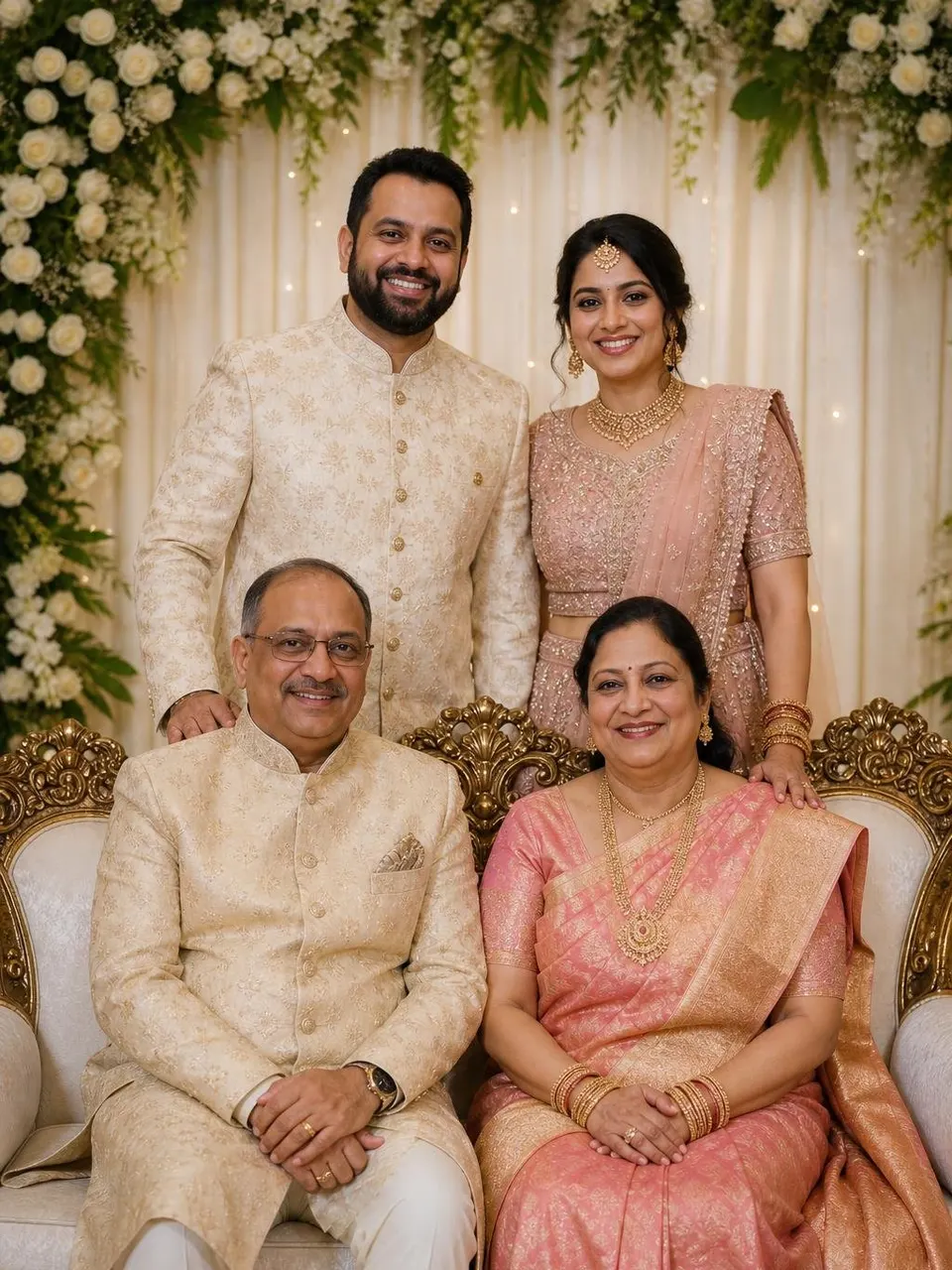






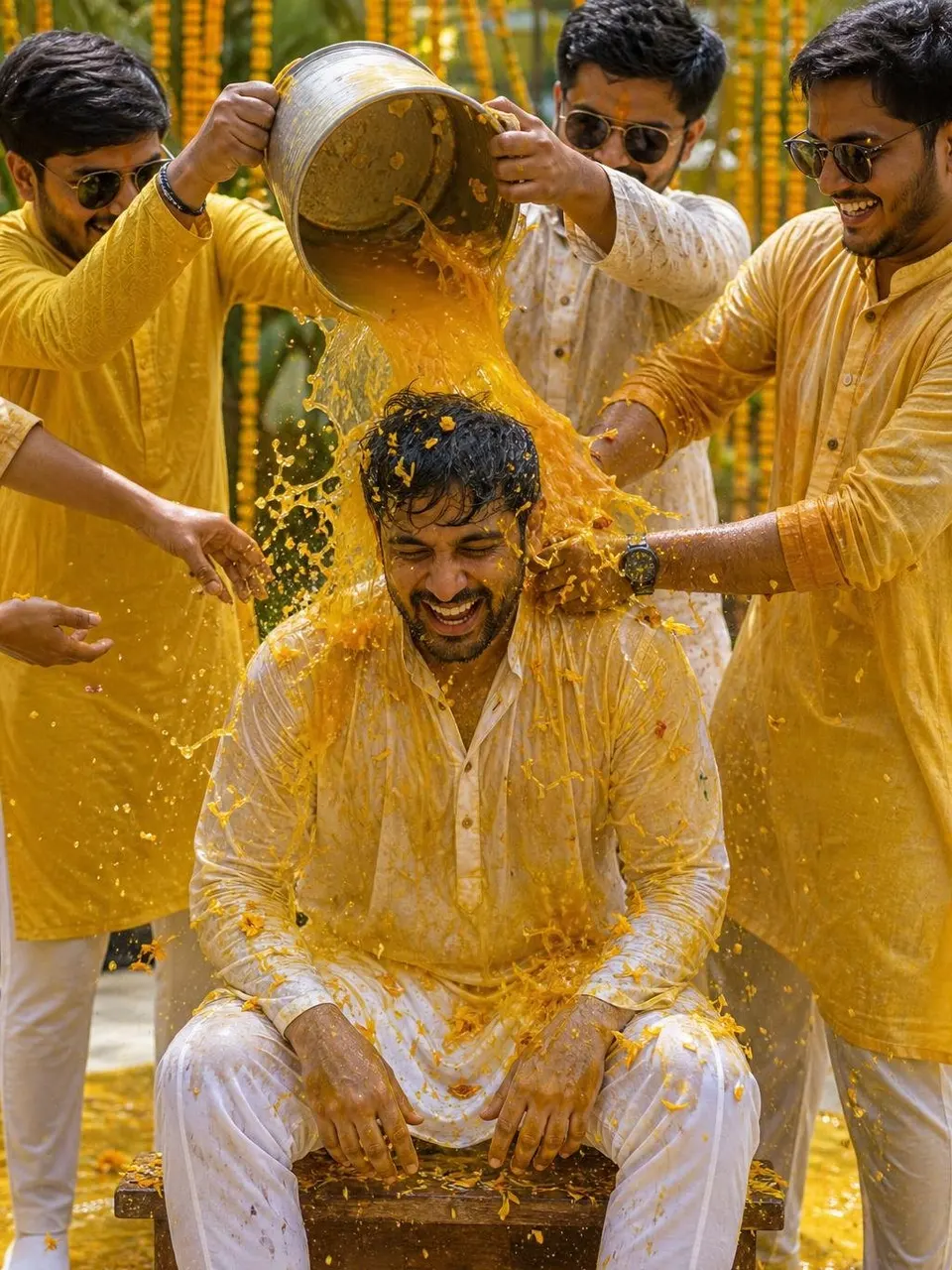



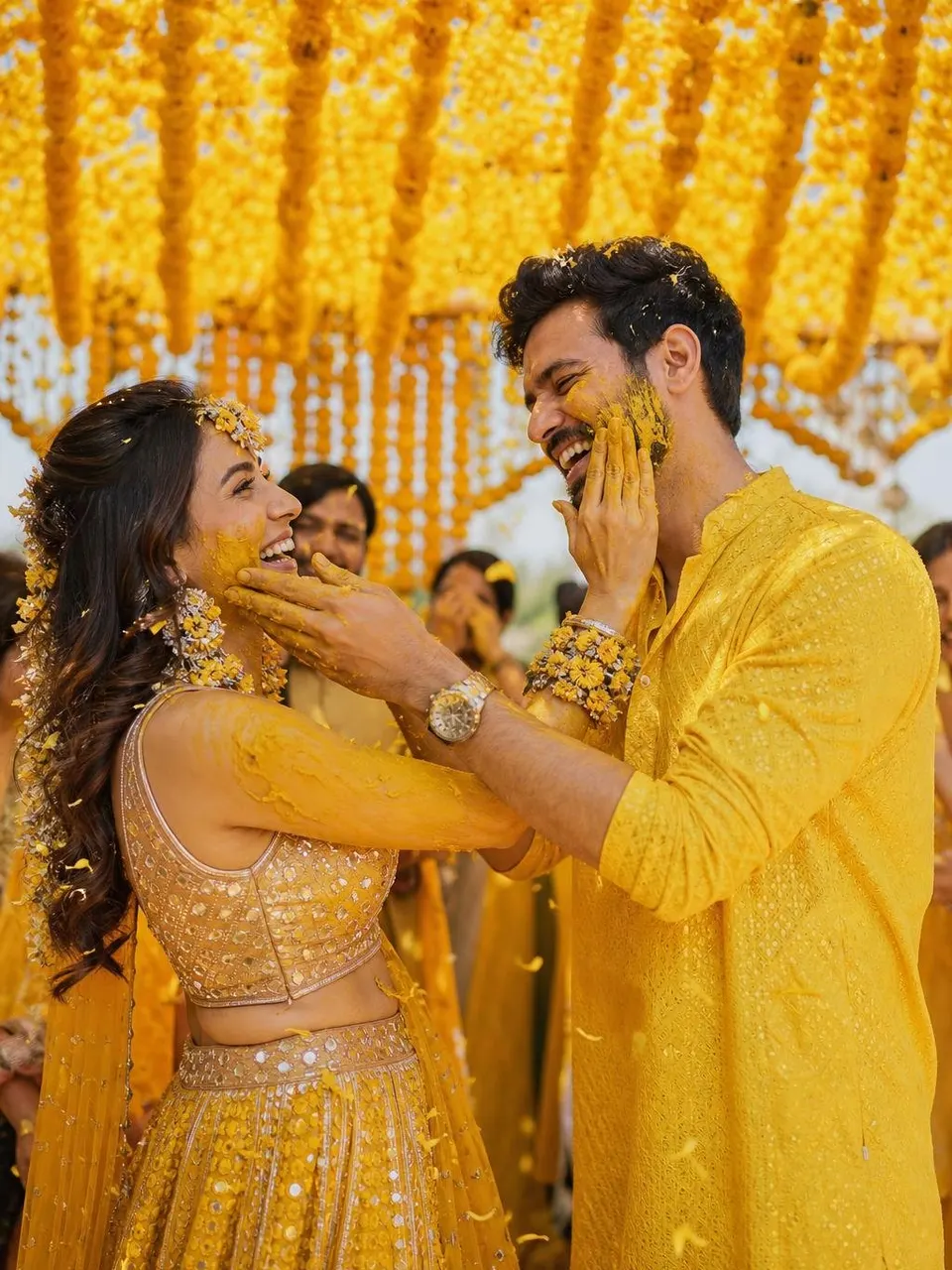

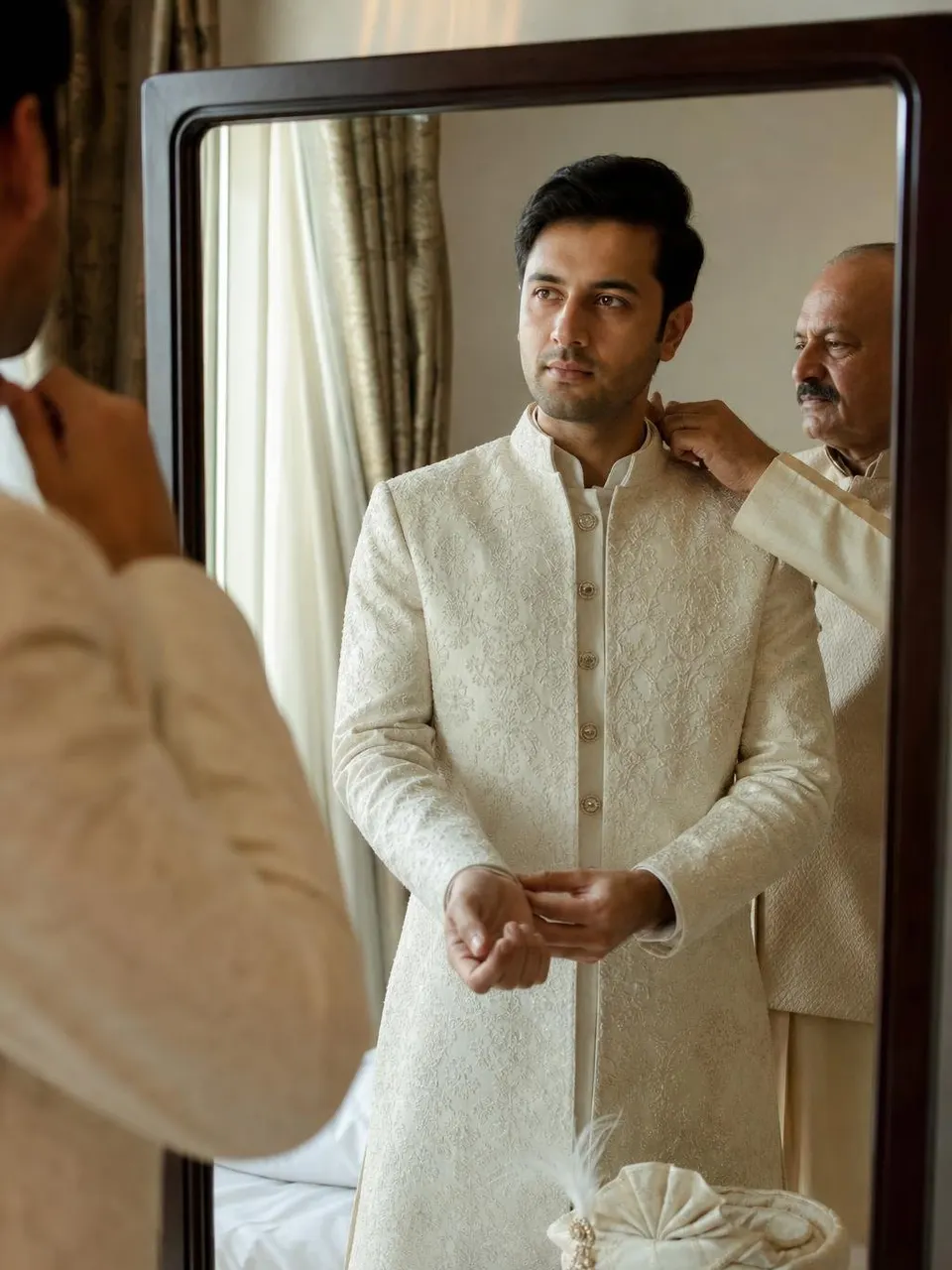
















Explore more prompts
Gemini prompts: questions
Are these Gemini prompts free?
Yes. Every prompt is free to copy with no login. Gemini itself lets you edit images on its free plan, with daily limits.
Why does Gemini change my face?
Vague prompts let the model re-imagine you. Our Gemini versions start with a face-lock instruction. Use a sharp, well-lit, front-facing photo, and ask it to keep your face identical if it drifts.
What is the Nano Banana prompt?
Nano Banana is the popular name for Gemini's image editing model. Any prompt here marked "Gemini" works with it in the Gemini app.